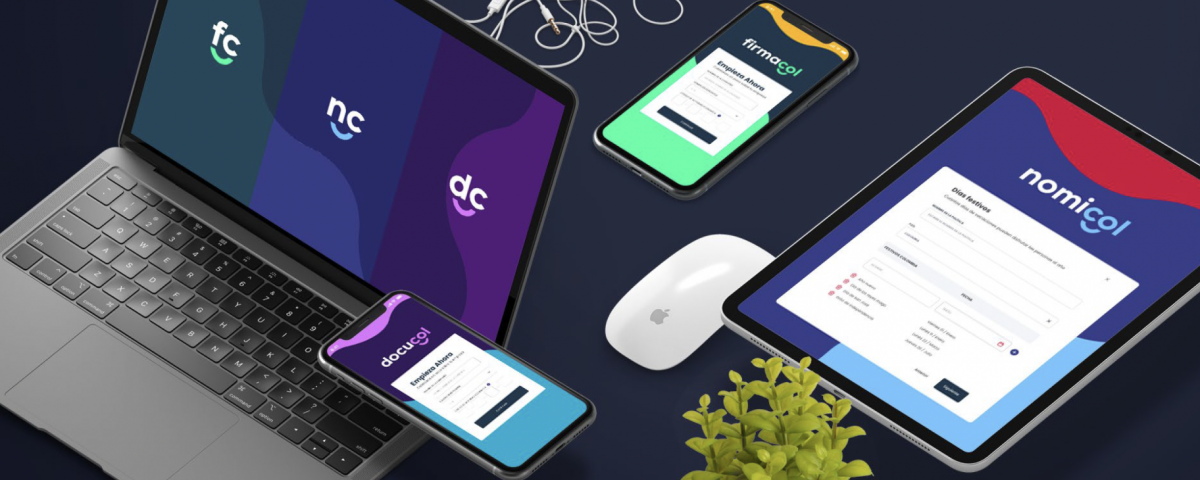
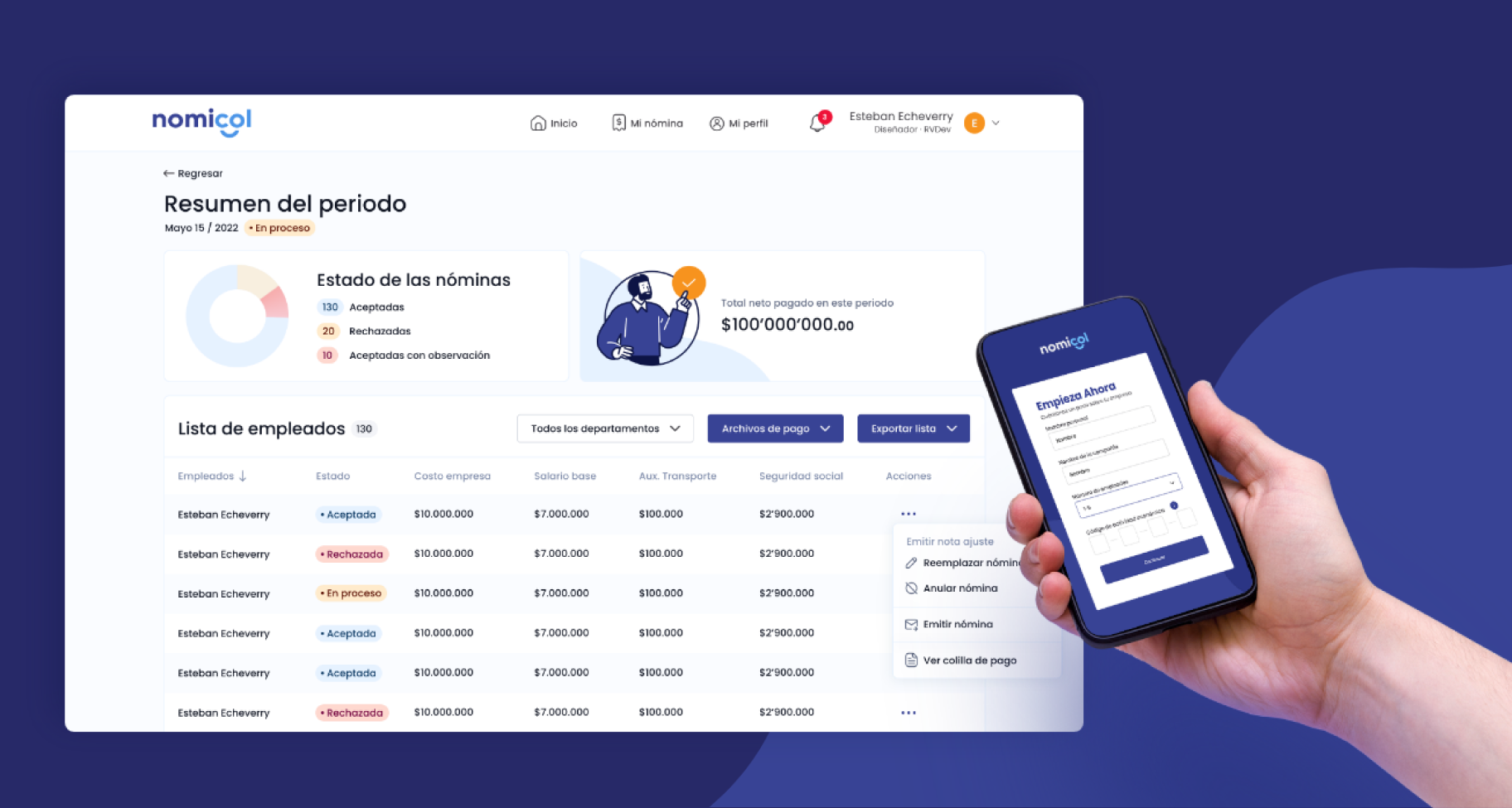
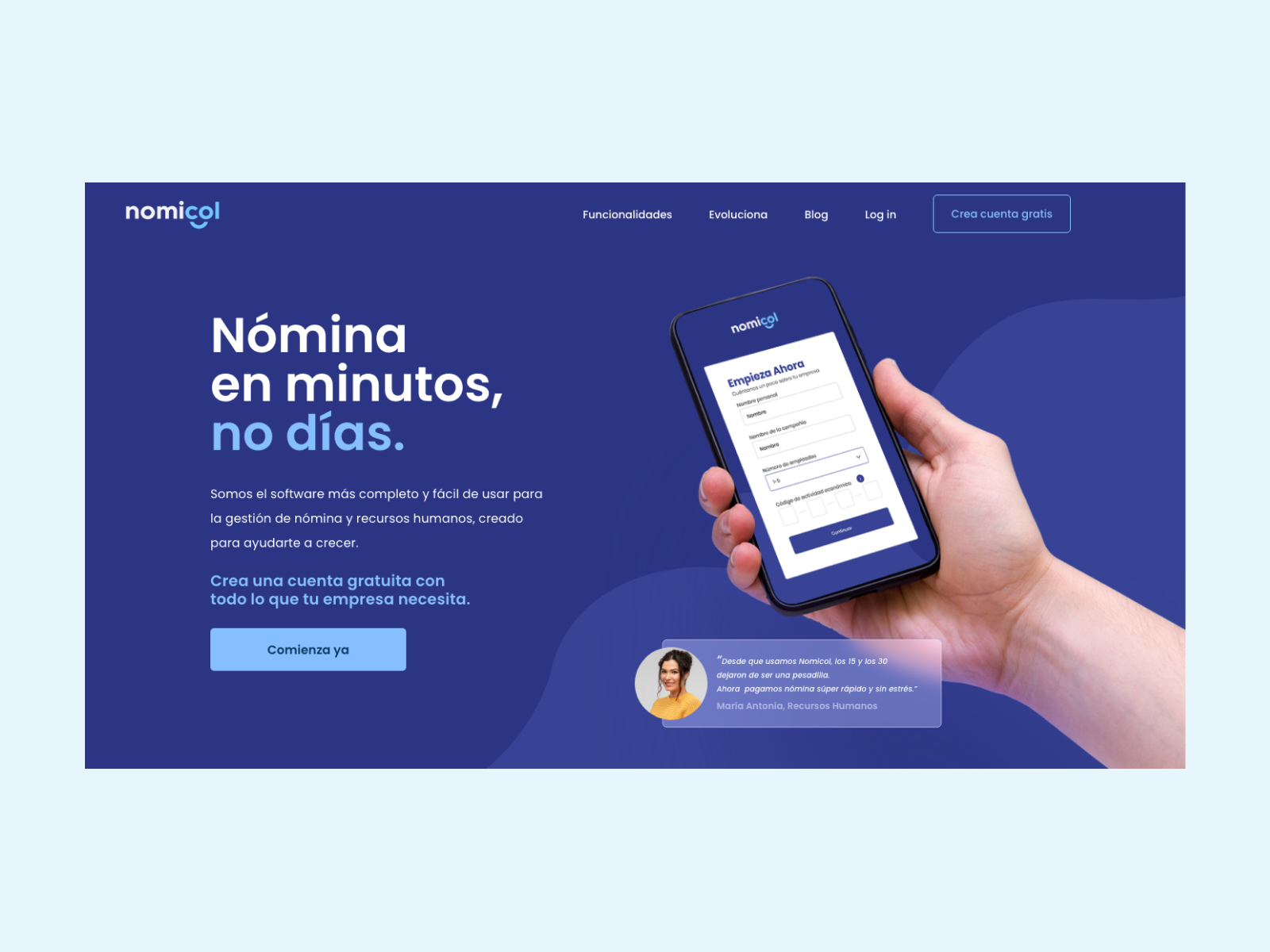
Nomicol is a platform that helps small businesses digitalize their payroll processes. It allows them to manage and store their employee information and update the payroll status, saving time and preventing getting fined due to errors in payroll calculations.
92% of companies in Colombia have less than 20 employees and don’t have accounting and HR teams within their workforce. Most of these companies still manage payroll manually. This increases the risk of error and therefore of getting fined by government organizations.
Have a clear history of all payment periods and payroll reports.
Managers
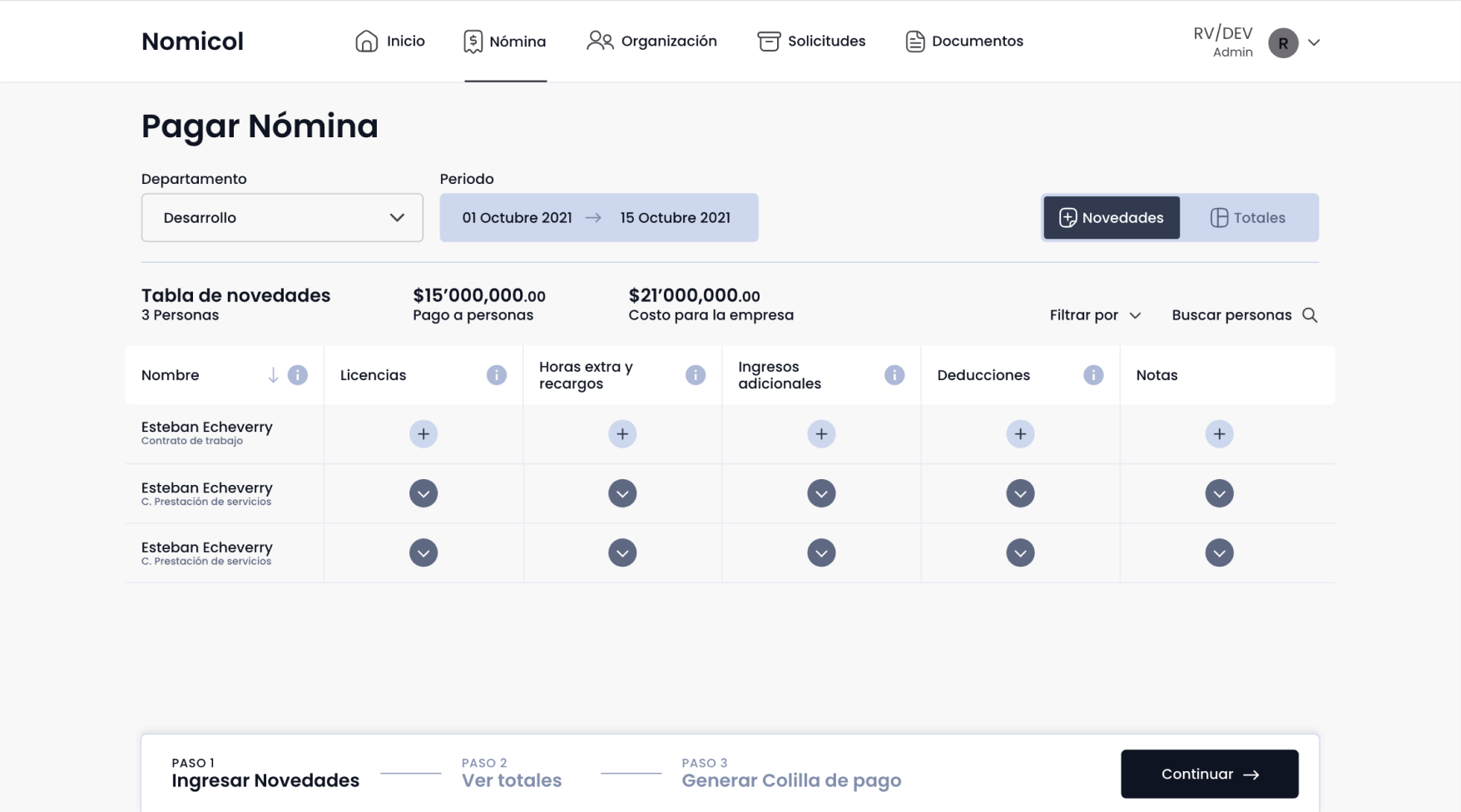
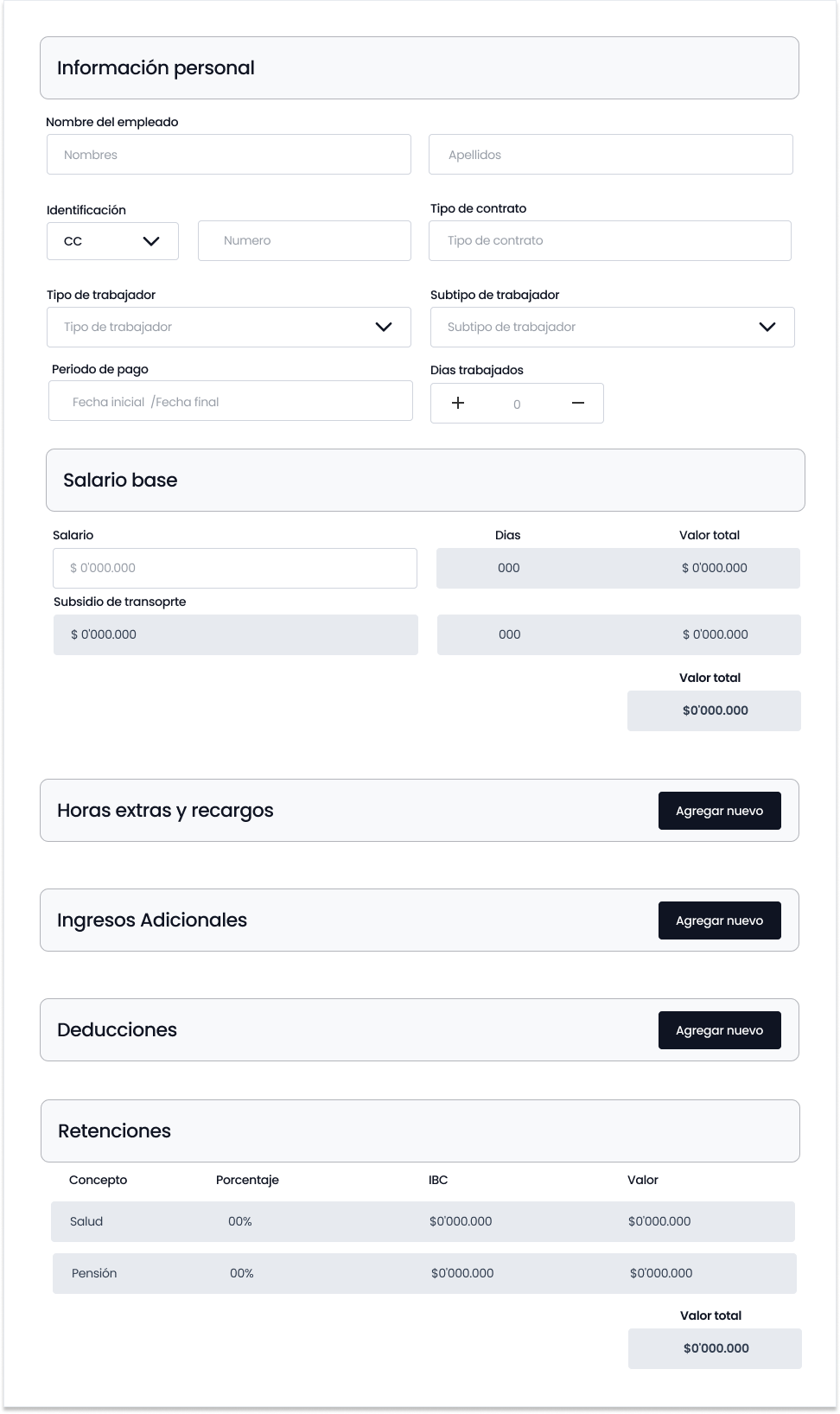
Update the payroll status by entering overtime pay, deductions, and other additional payments each month.
Employees
See the status of their next payment in real time. View their payroll history.
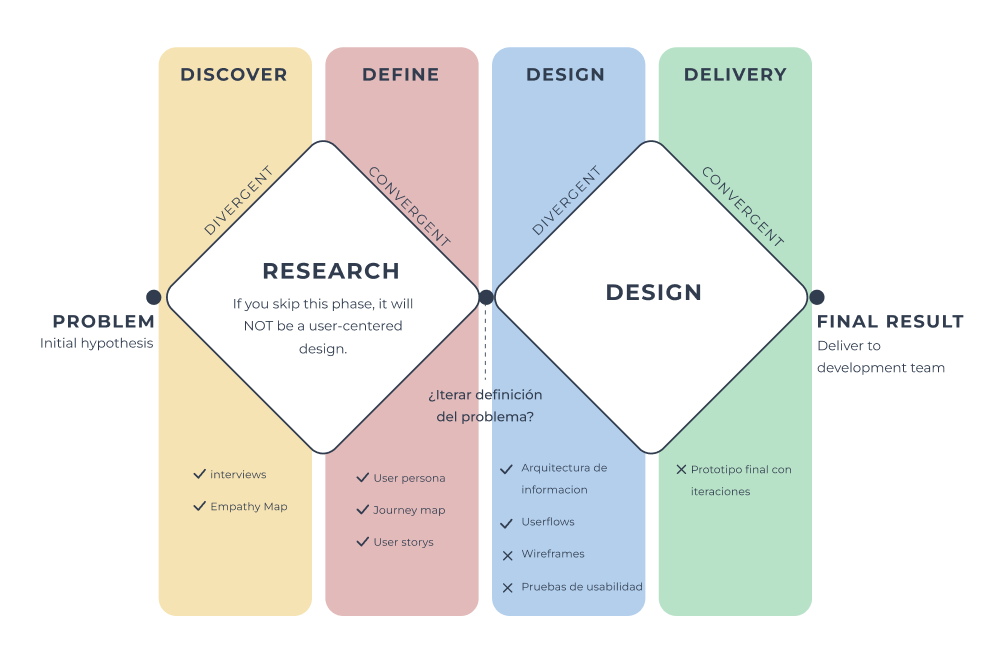
Design Thinking
How might We
How can we help small businesses make their payroll processes more efficient and prevent getting fined by reducing risk of error.
Goals of the project
Allow companies to easily register on the platform and manage their employee information.
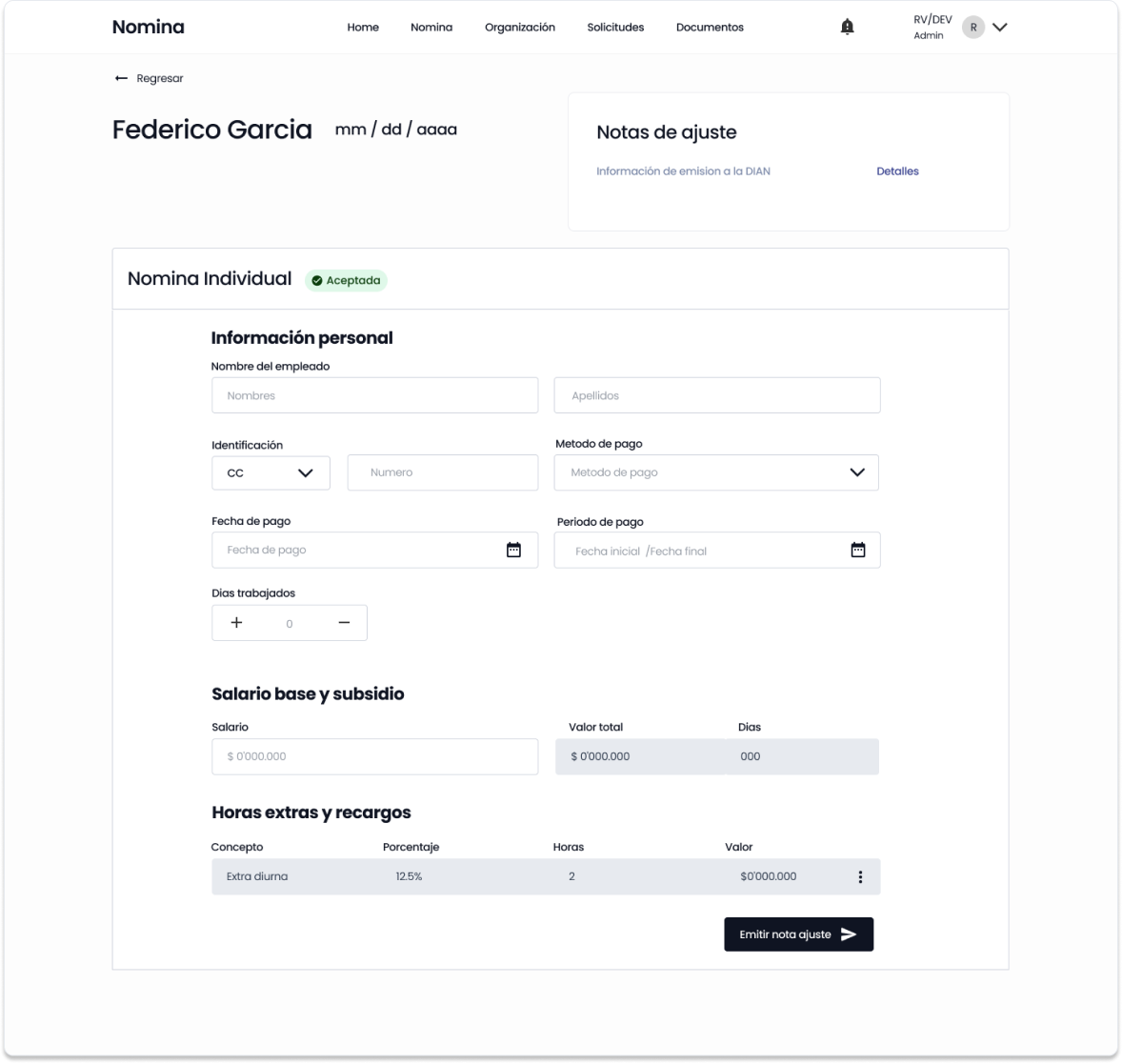
Allow companies to enter payroll updates such as overtime pay, deductions, vacations, and taxes.
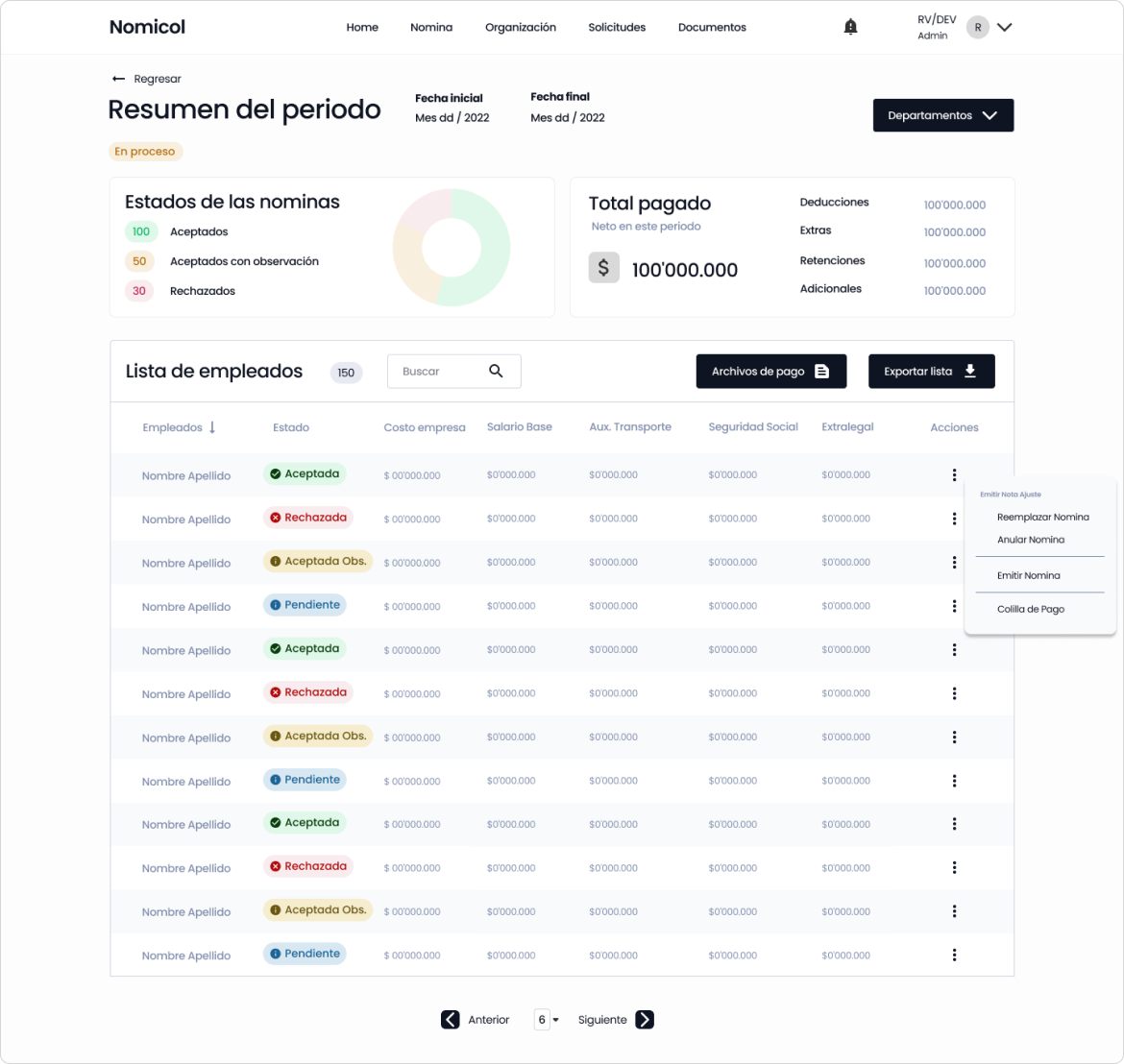
Generate payroll reports.
Allow employees to see the status of their next payment in real time.
Allow all users to visualize payroll history.
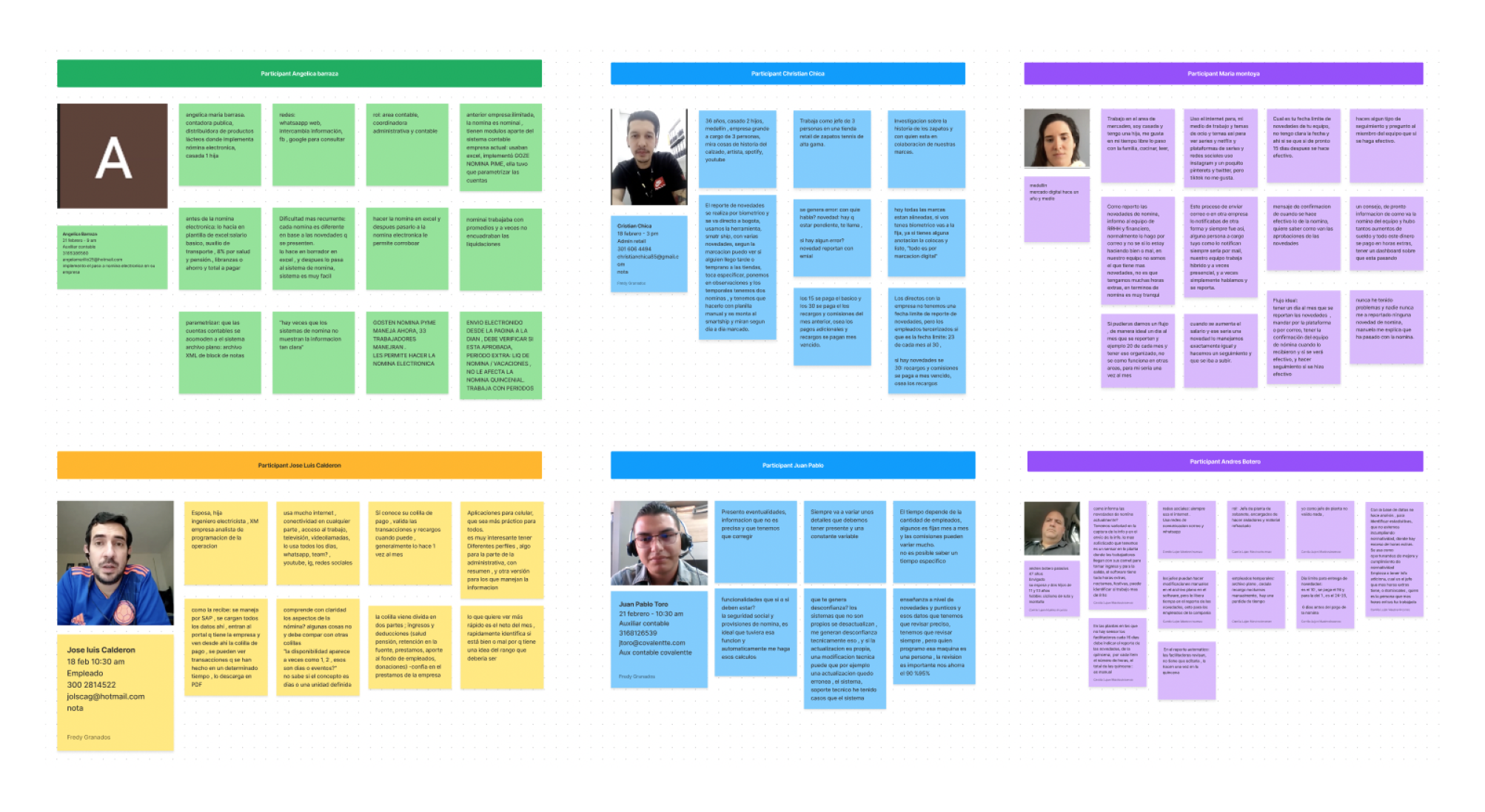
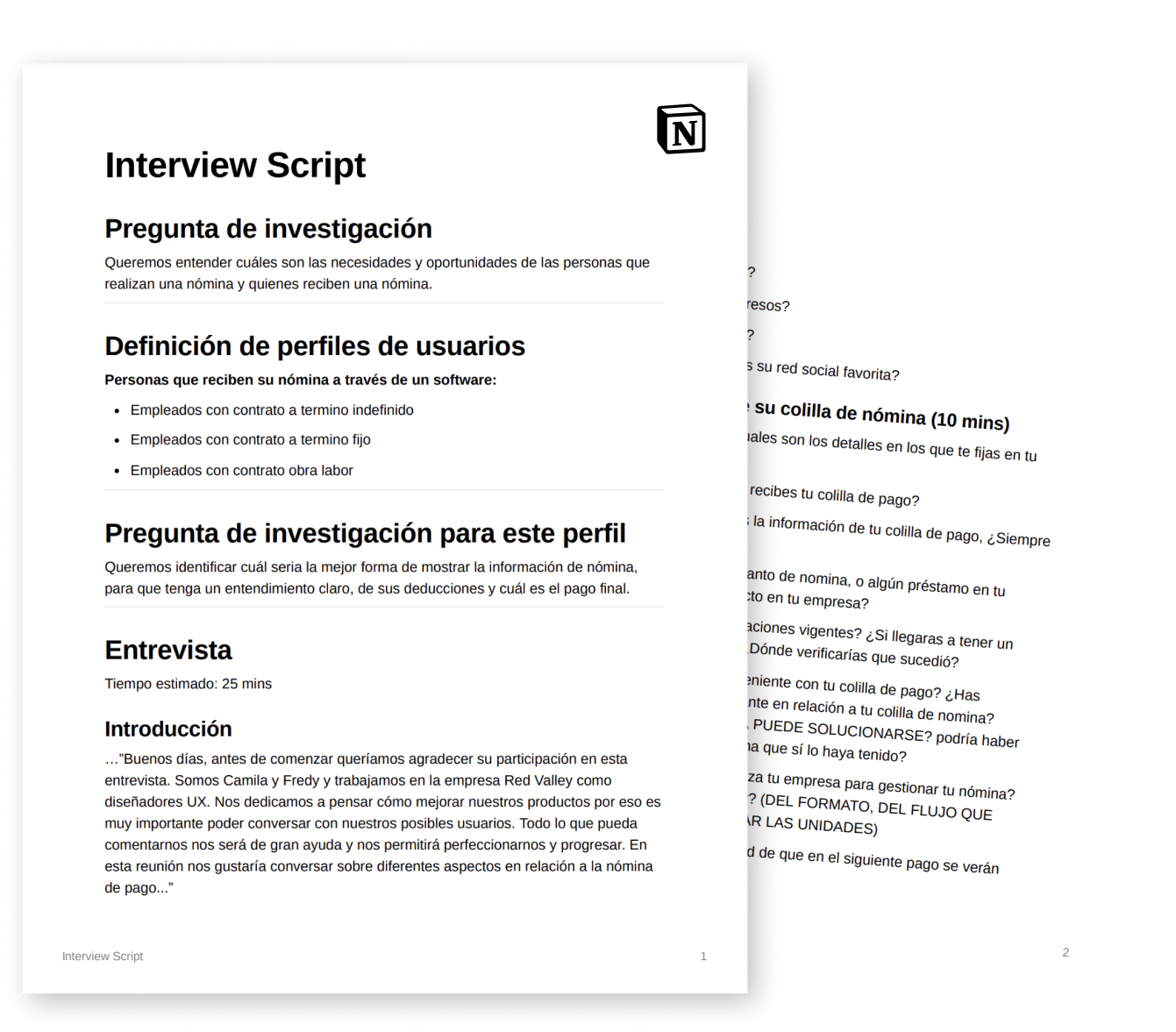
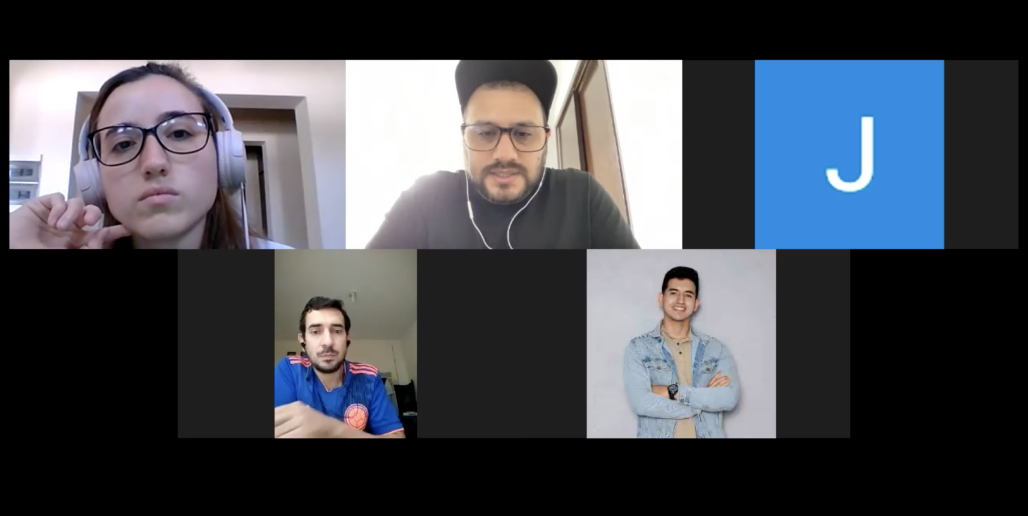
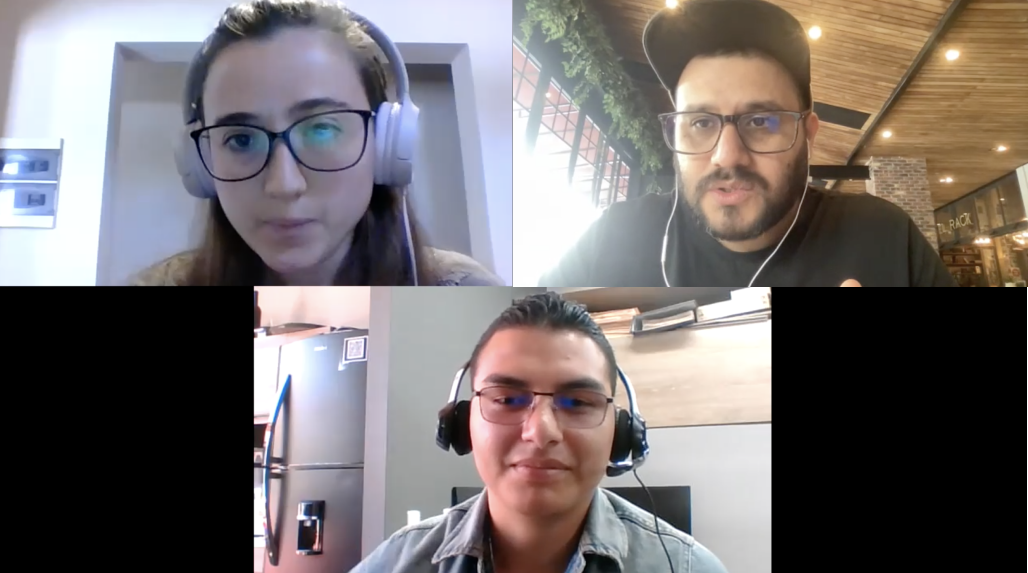
14 Qualitative interviews
With accountants, business owners, department leaders, and employees.
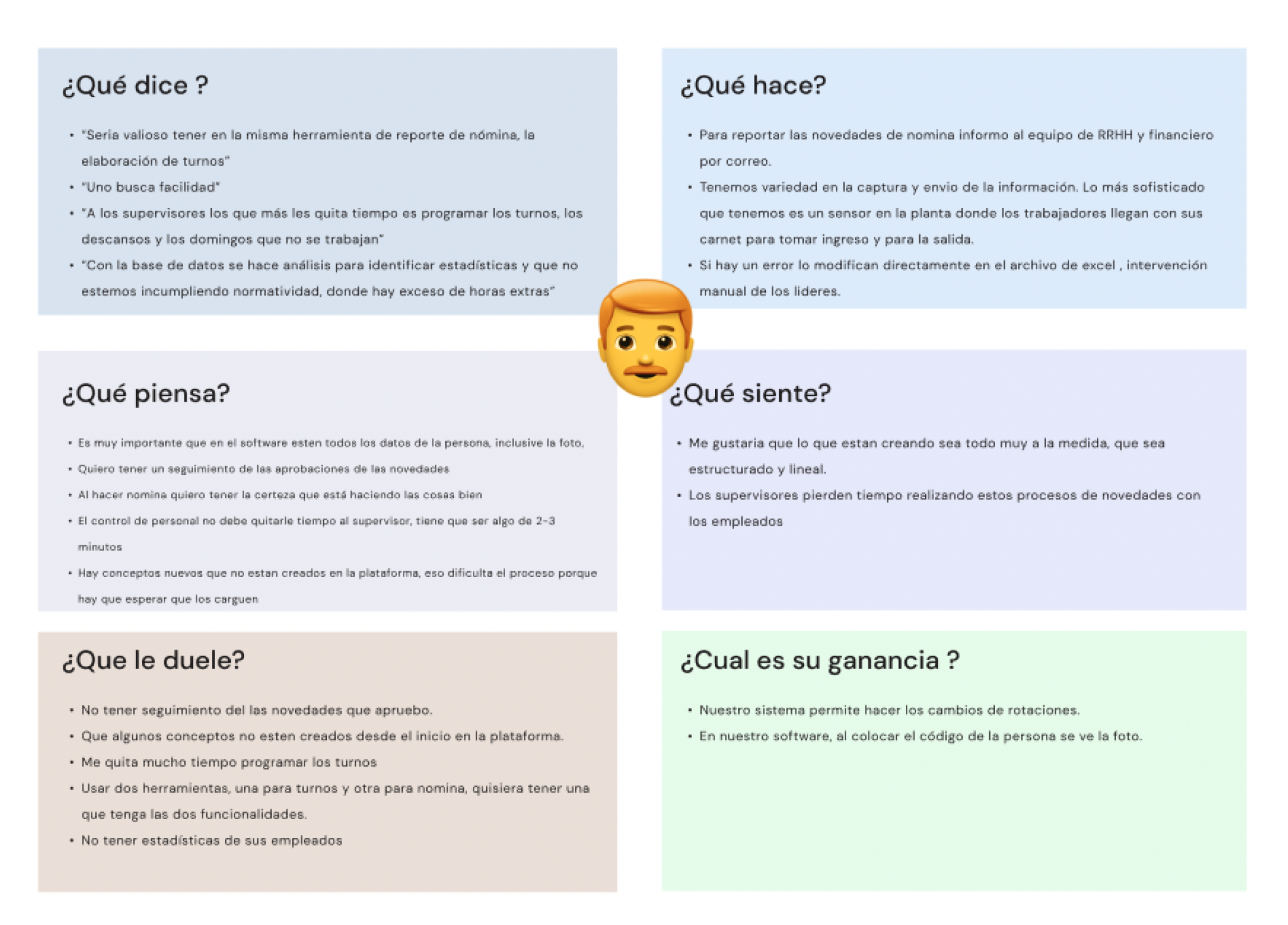
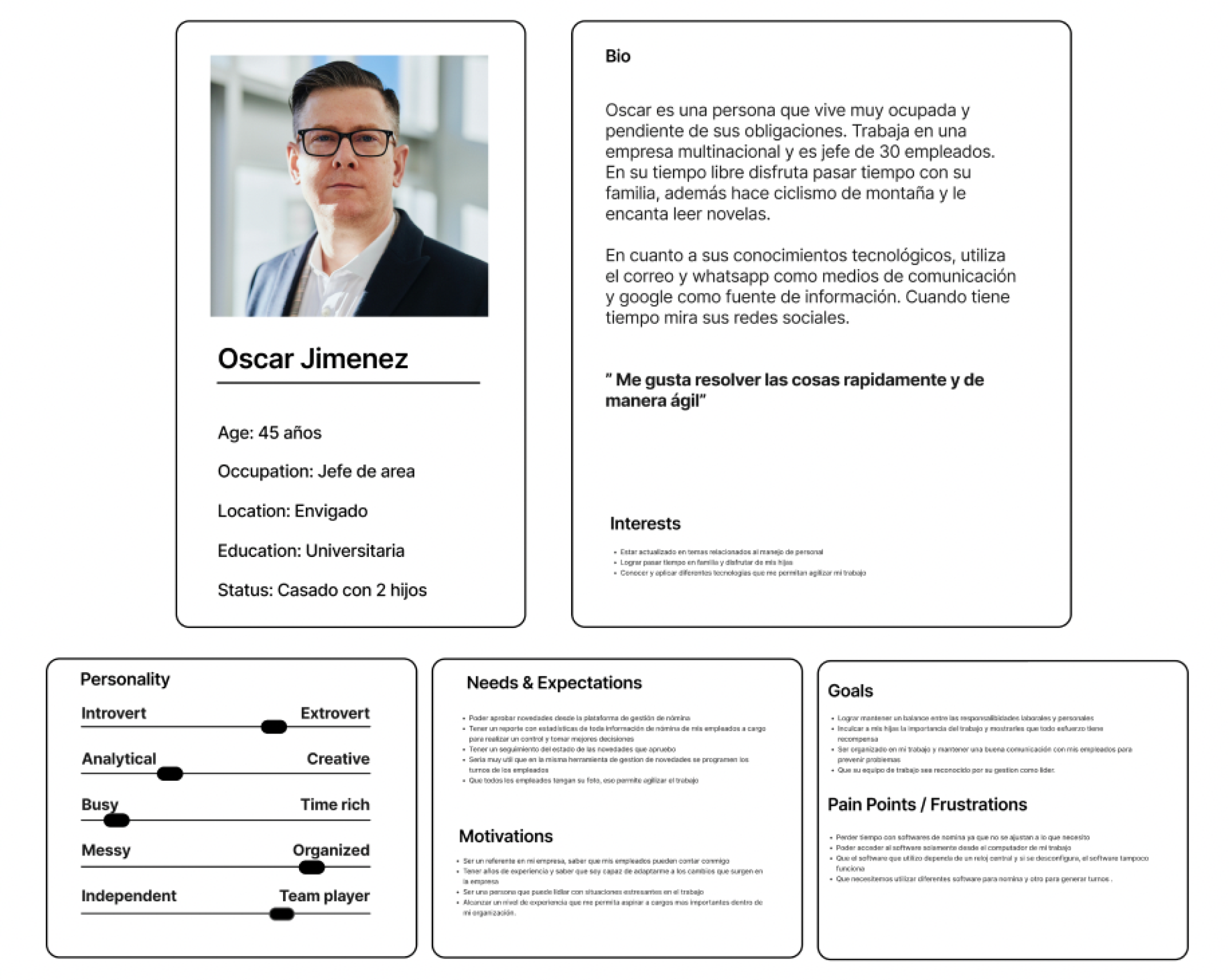
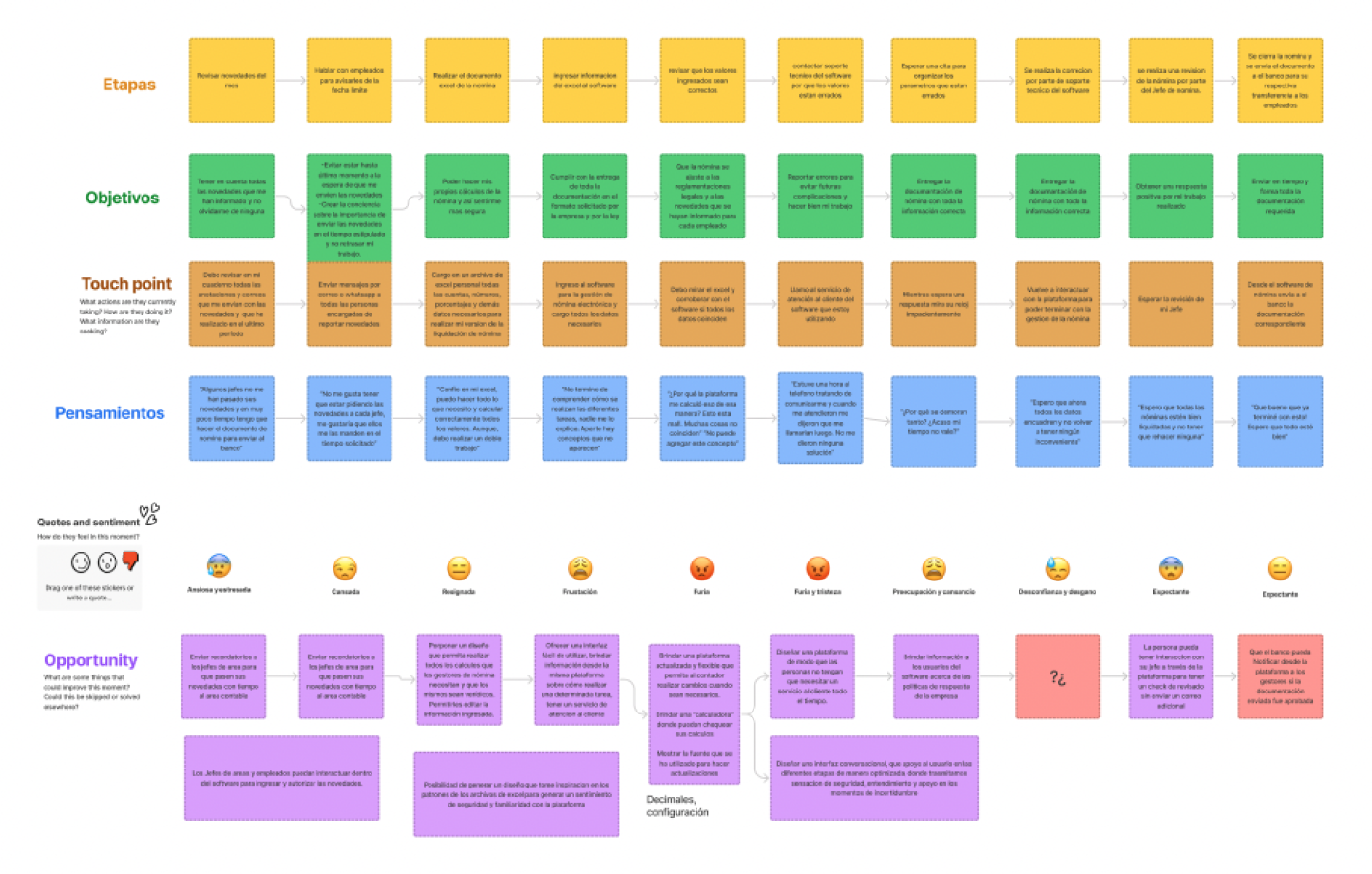
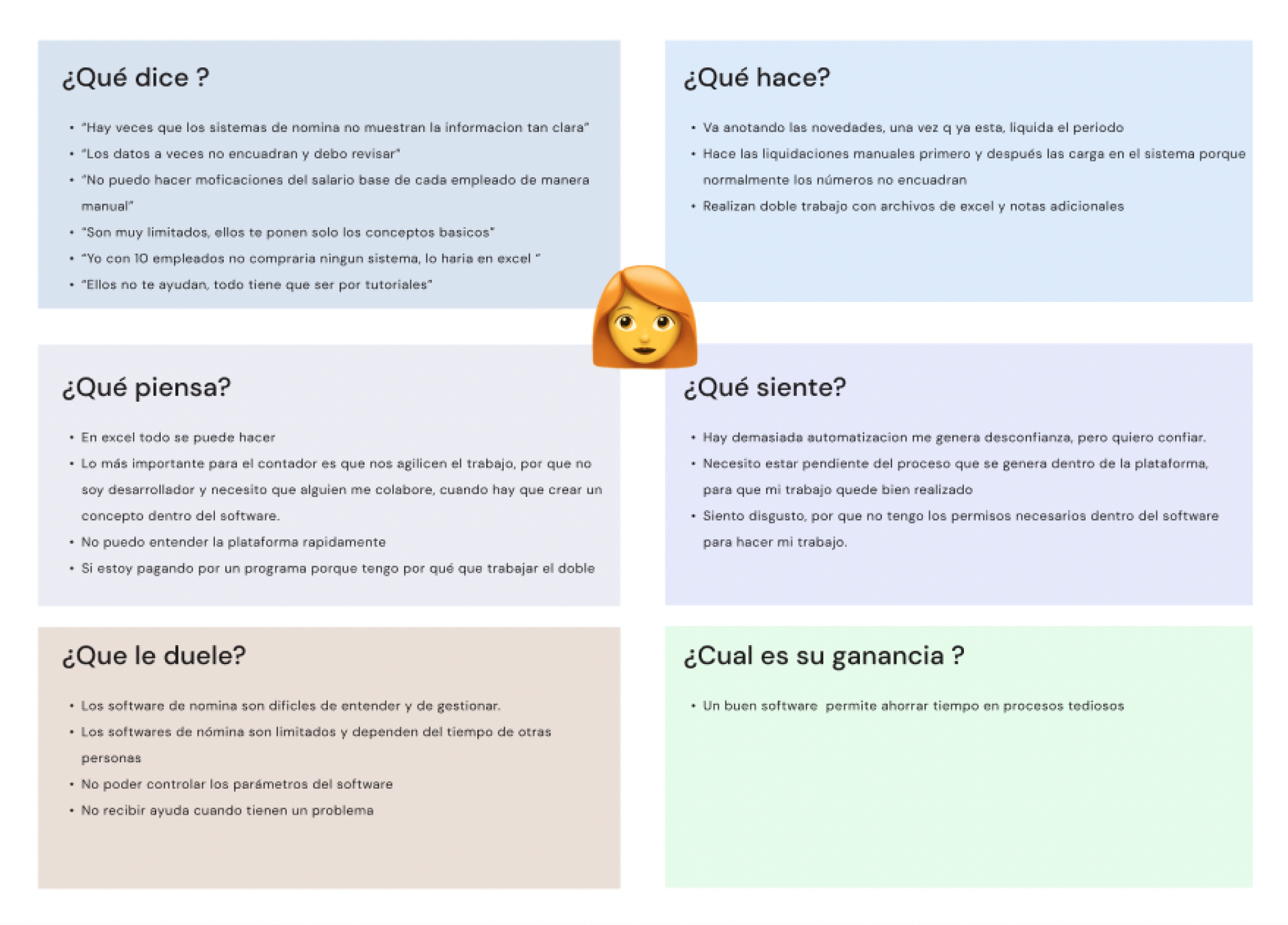
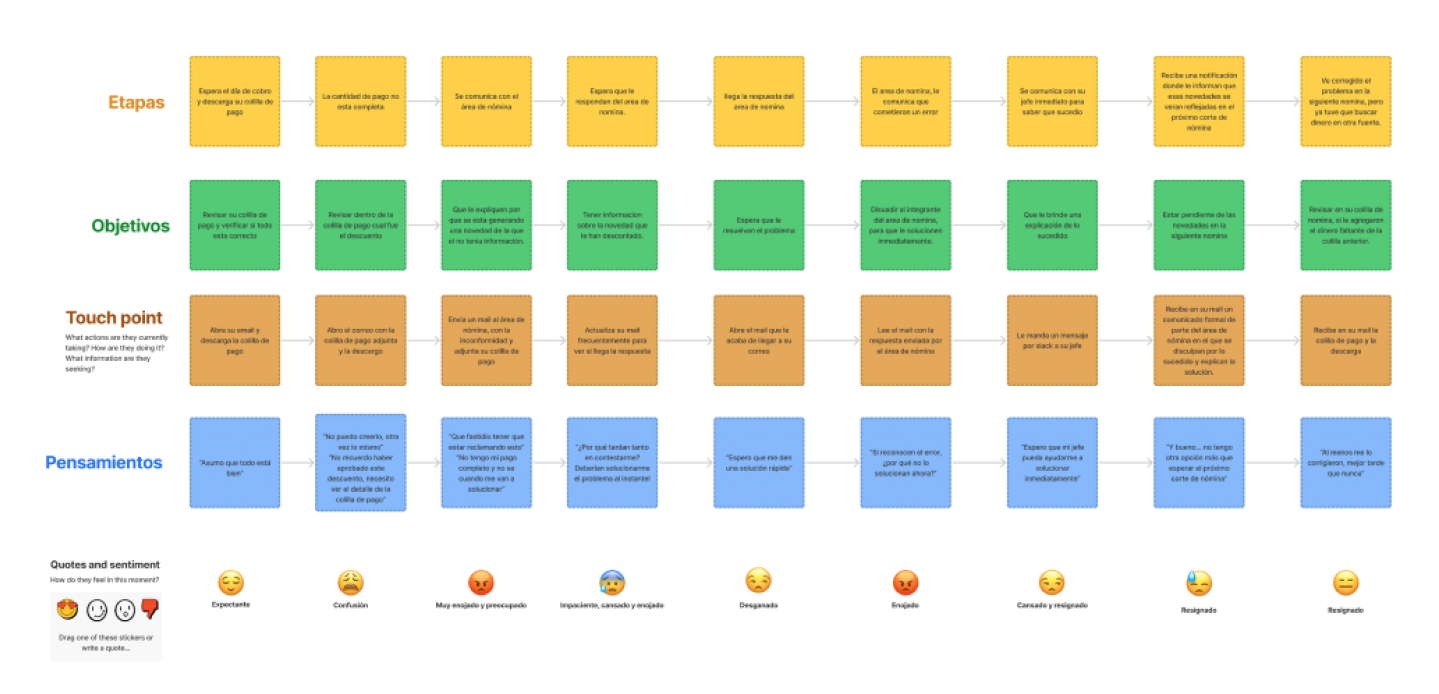
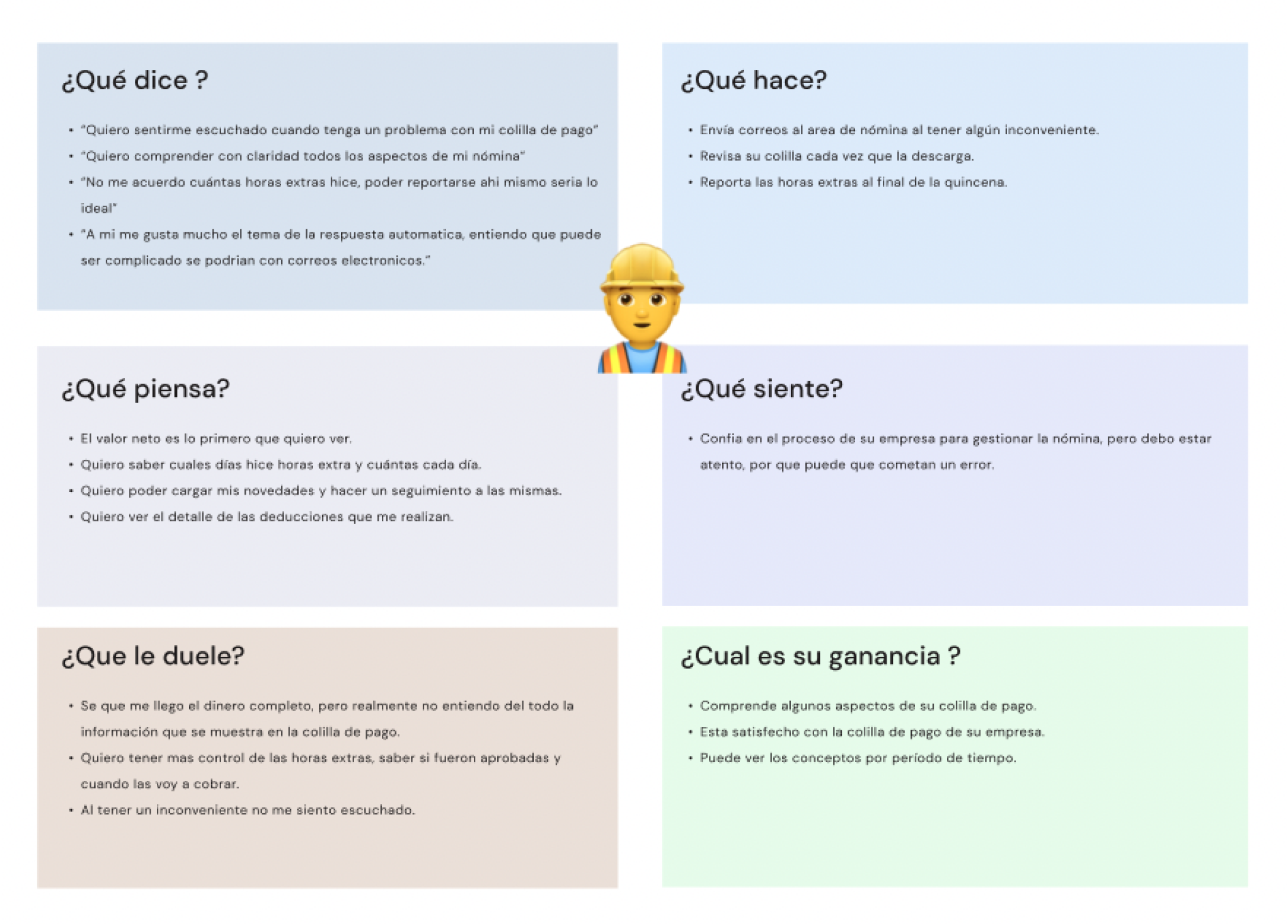
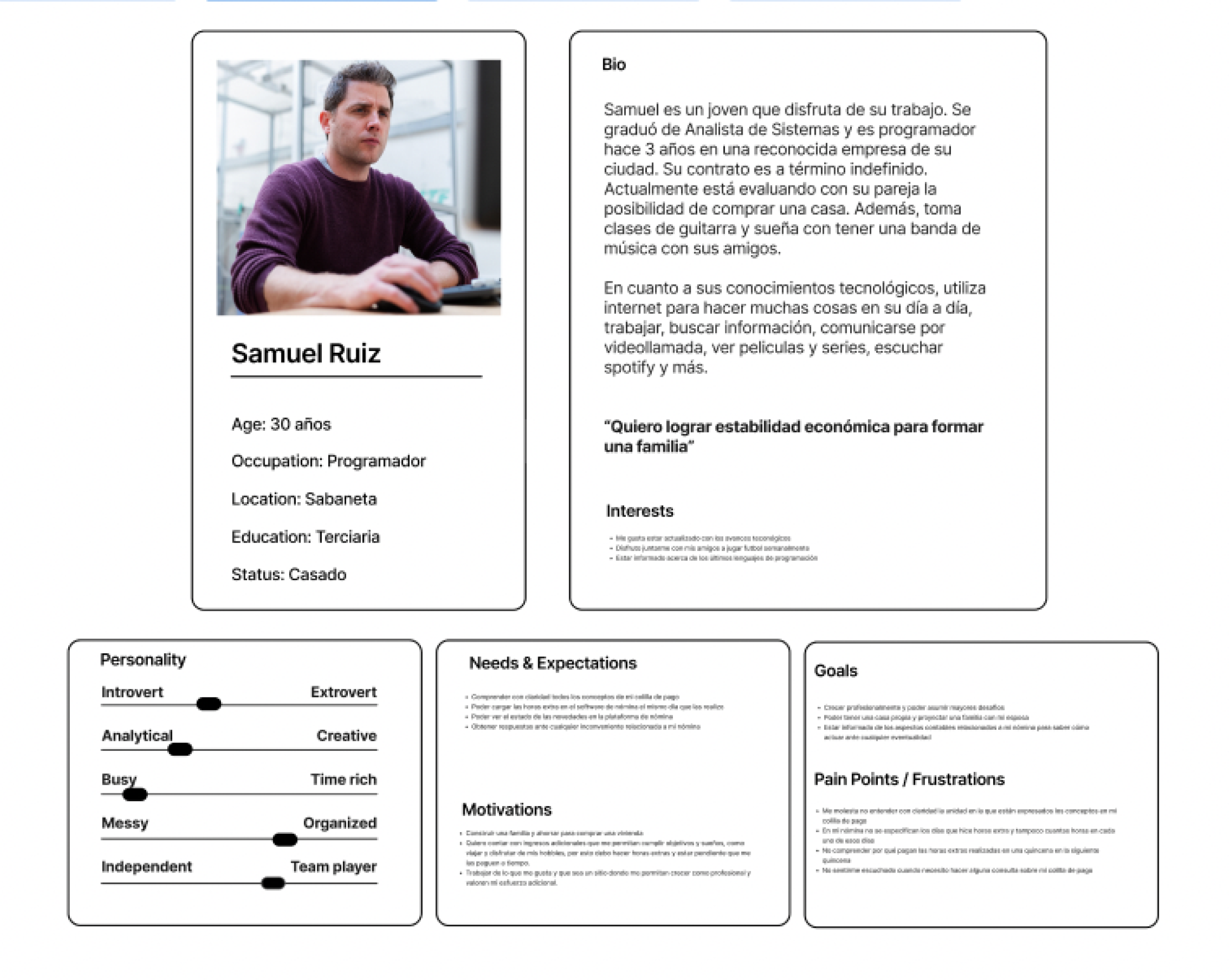
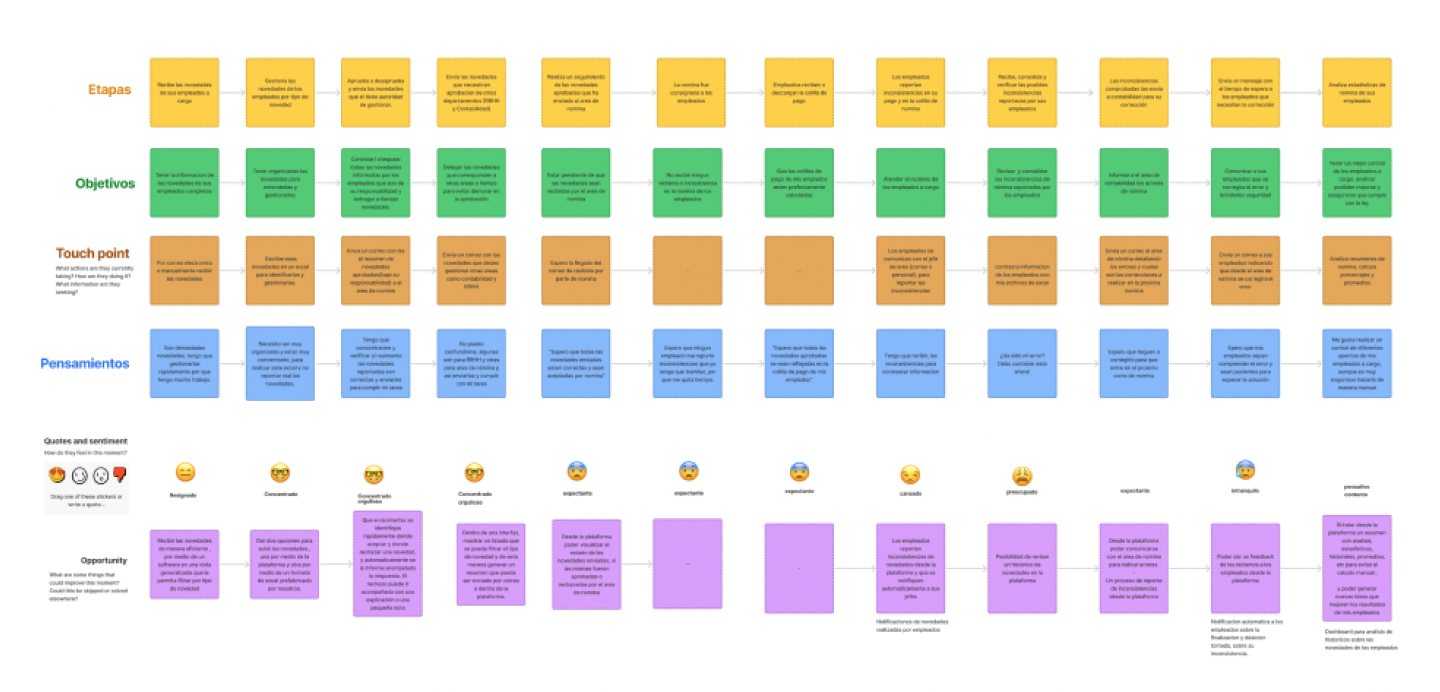
Empathy Map, User Persona and Journey Map
Following our customer interviews, we synthesized our findings and created personas and customer journeys. These exercises formed a great foundation for the feature ideation and prioritization.
Empathy map
User Persona
Journey Map
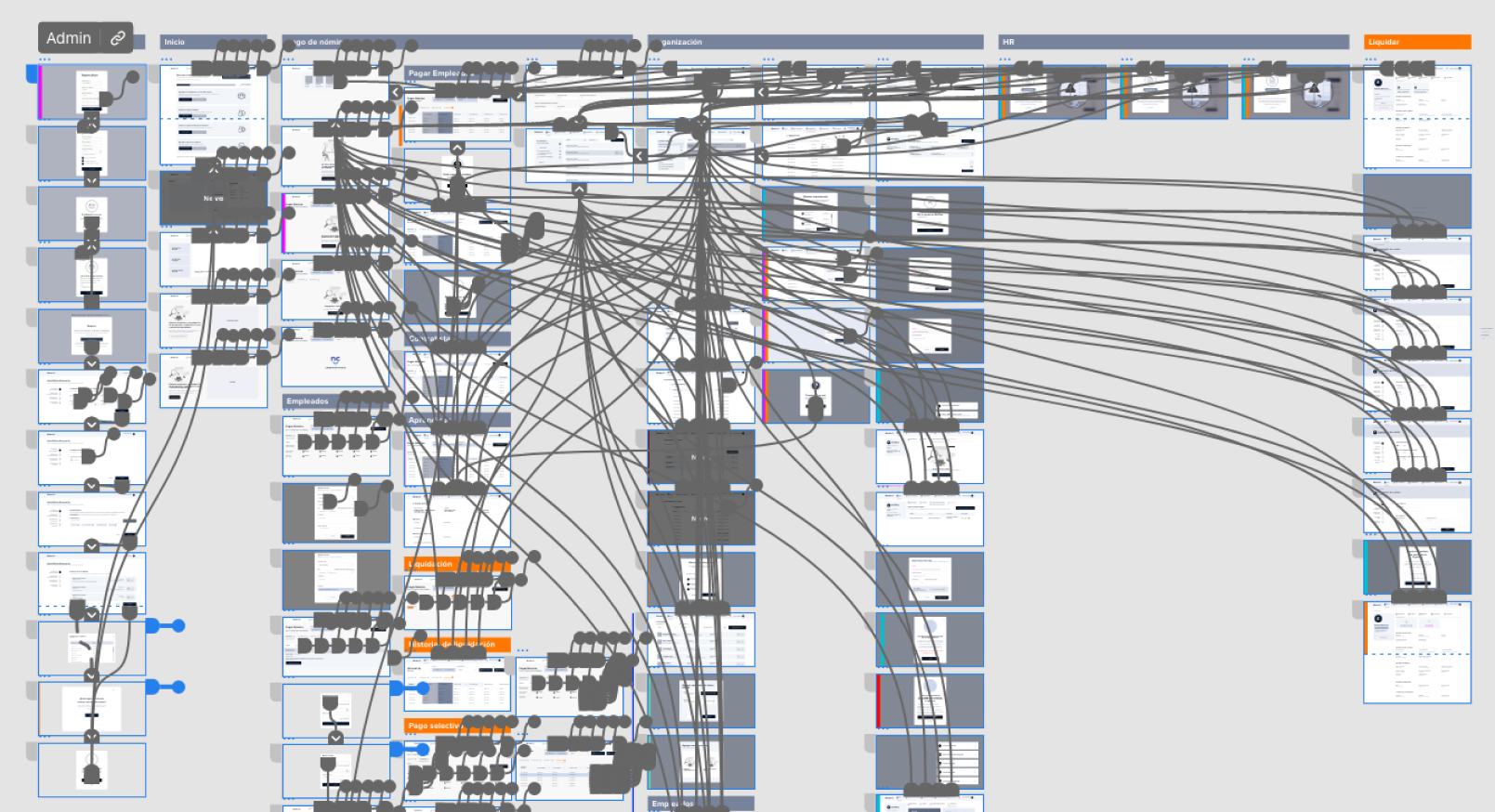
Userflows and architecture of information
20 Userflow
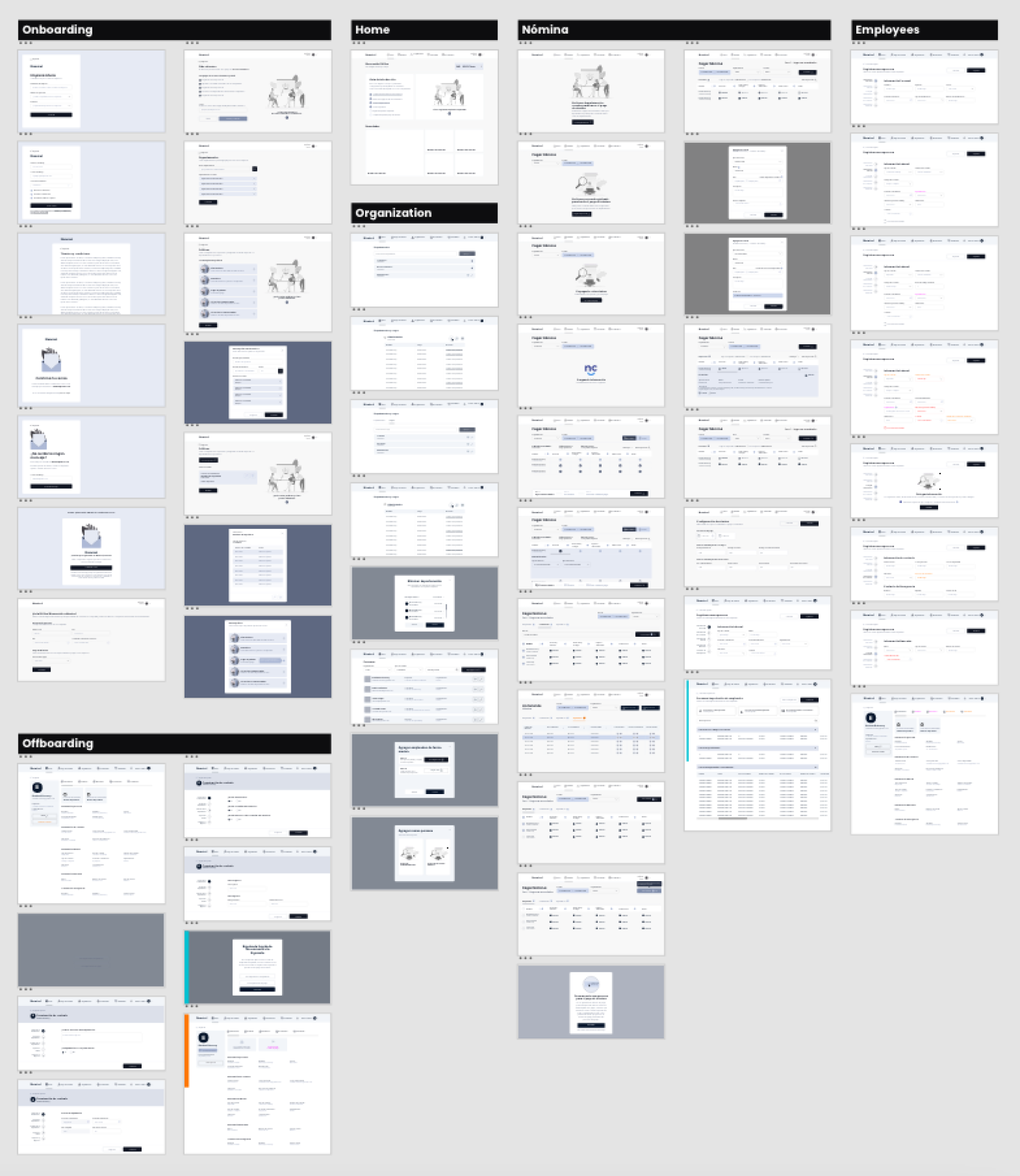
3 Architecture of information
Wireframes
Iteration 1 — Structure
Create dashboards to reduce time-to-information
Move from tables → smart, structured information
Introduce step-by-step workflows
Add centralized alerts instead of hidden errors
Iteration 2 — Validation
Inline error flagging
Rule explanations
Grouped exceptions
Simpler approval flow
Iteration 3 — Accessibility + Density
WCAG contrast
High-density table optimizations
Sticky headers
Keyboard navigation
These iterations helped transition from a static UI to a dynamic financial decision platform.
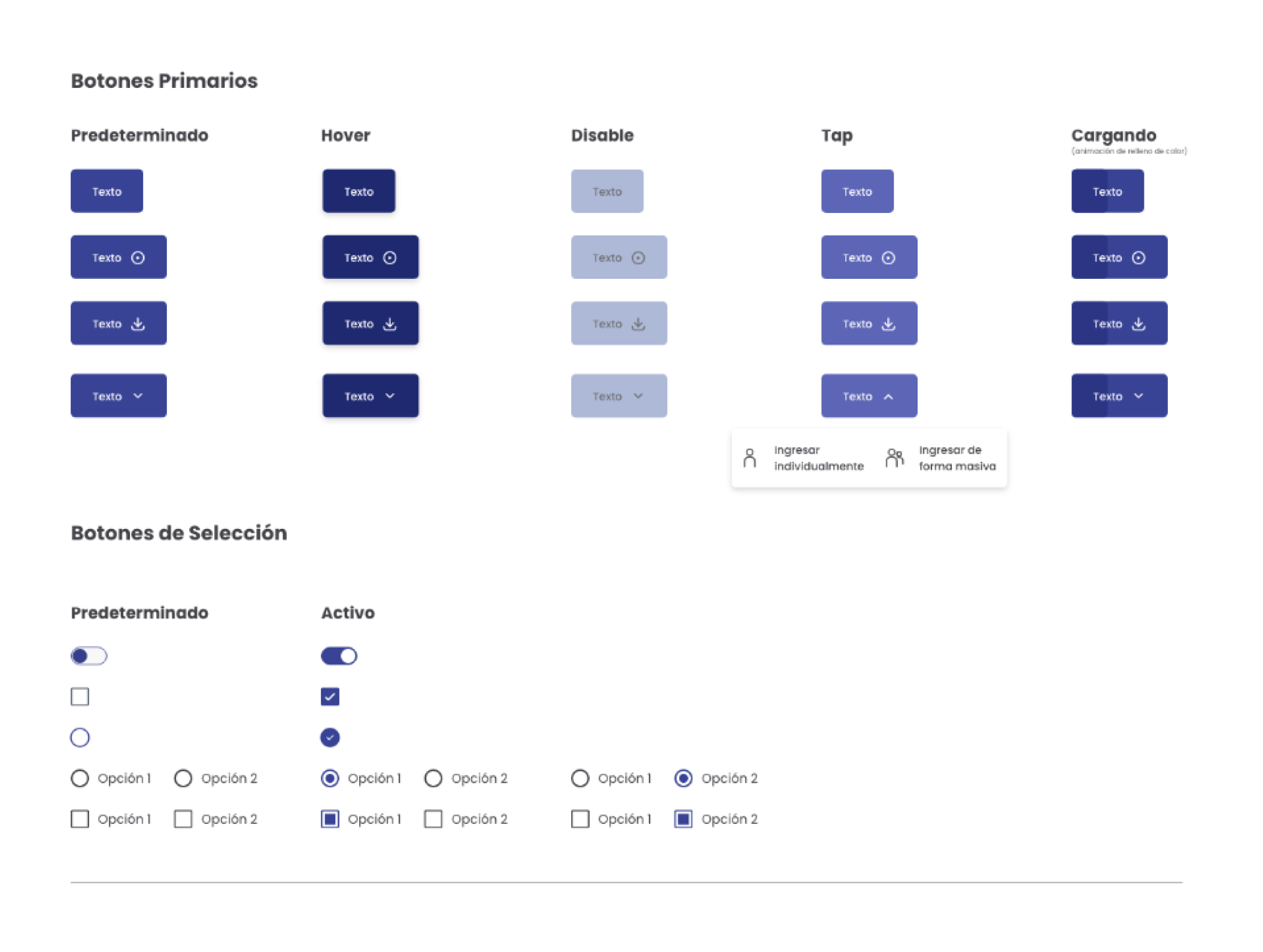
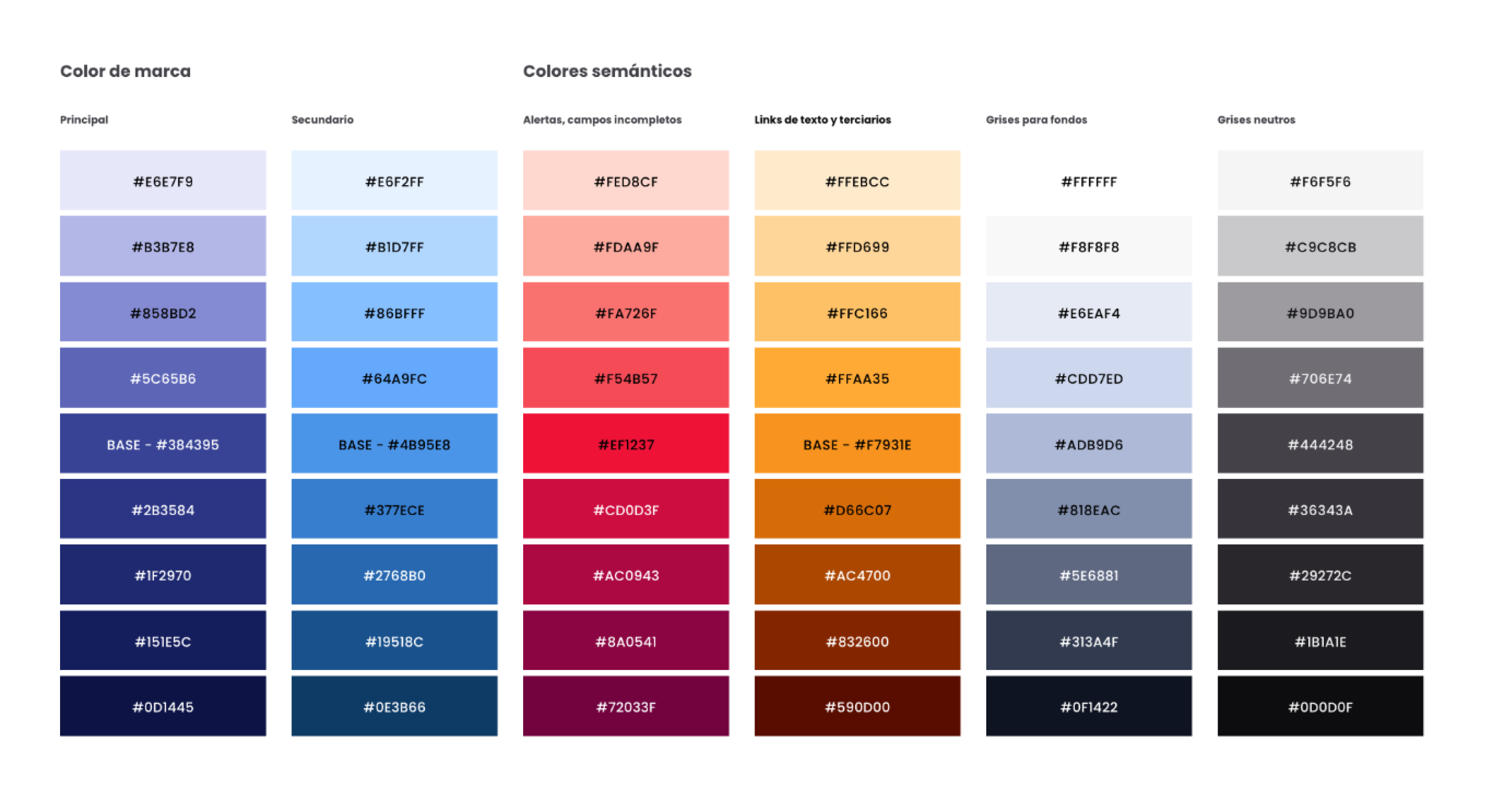
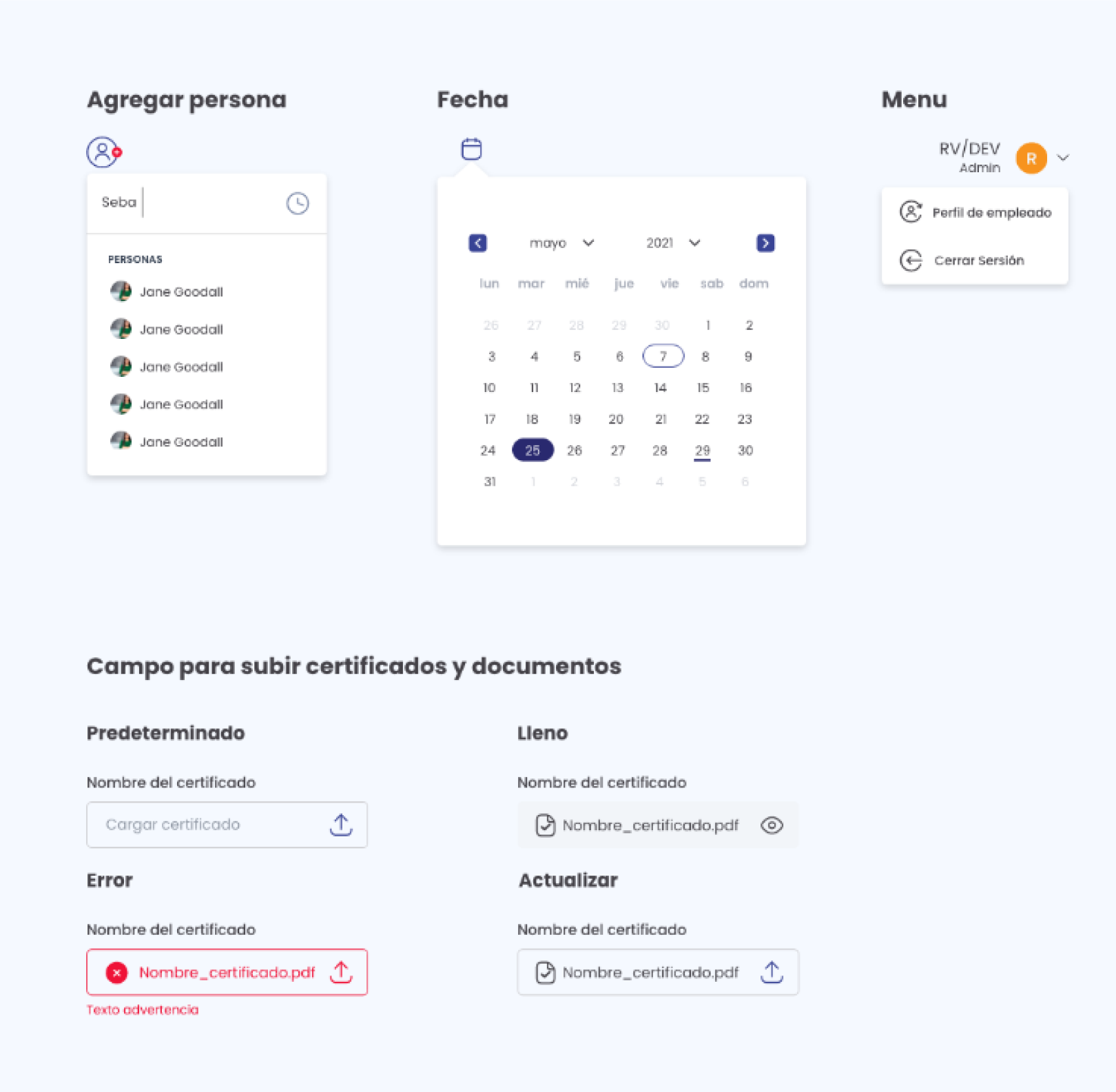
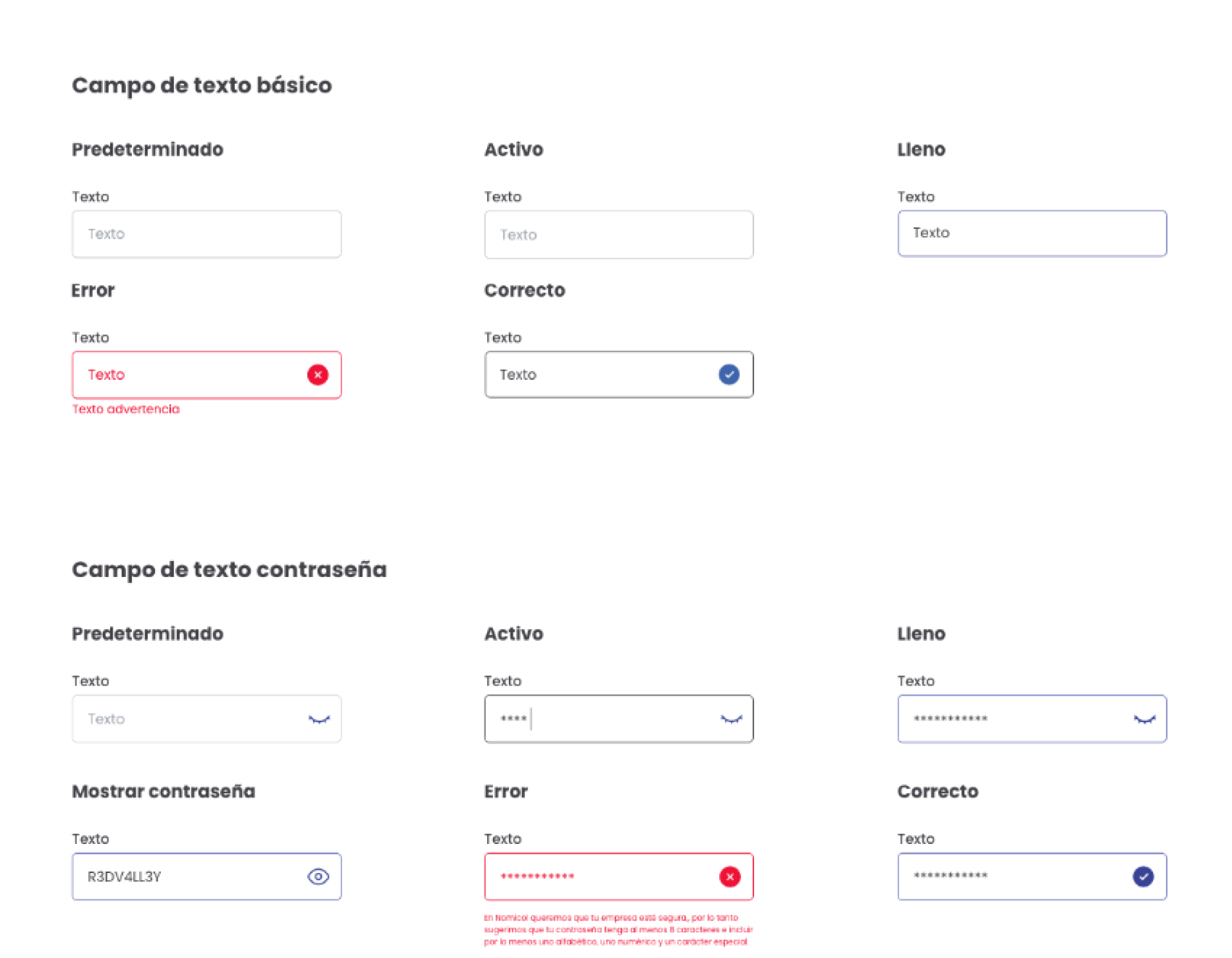
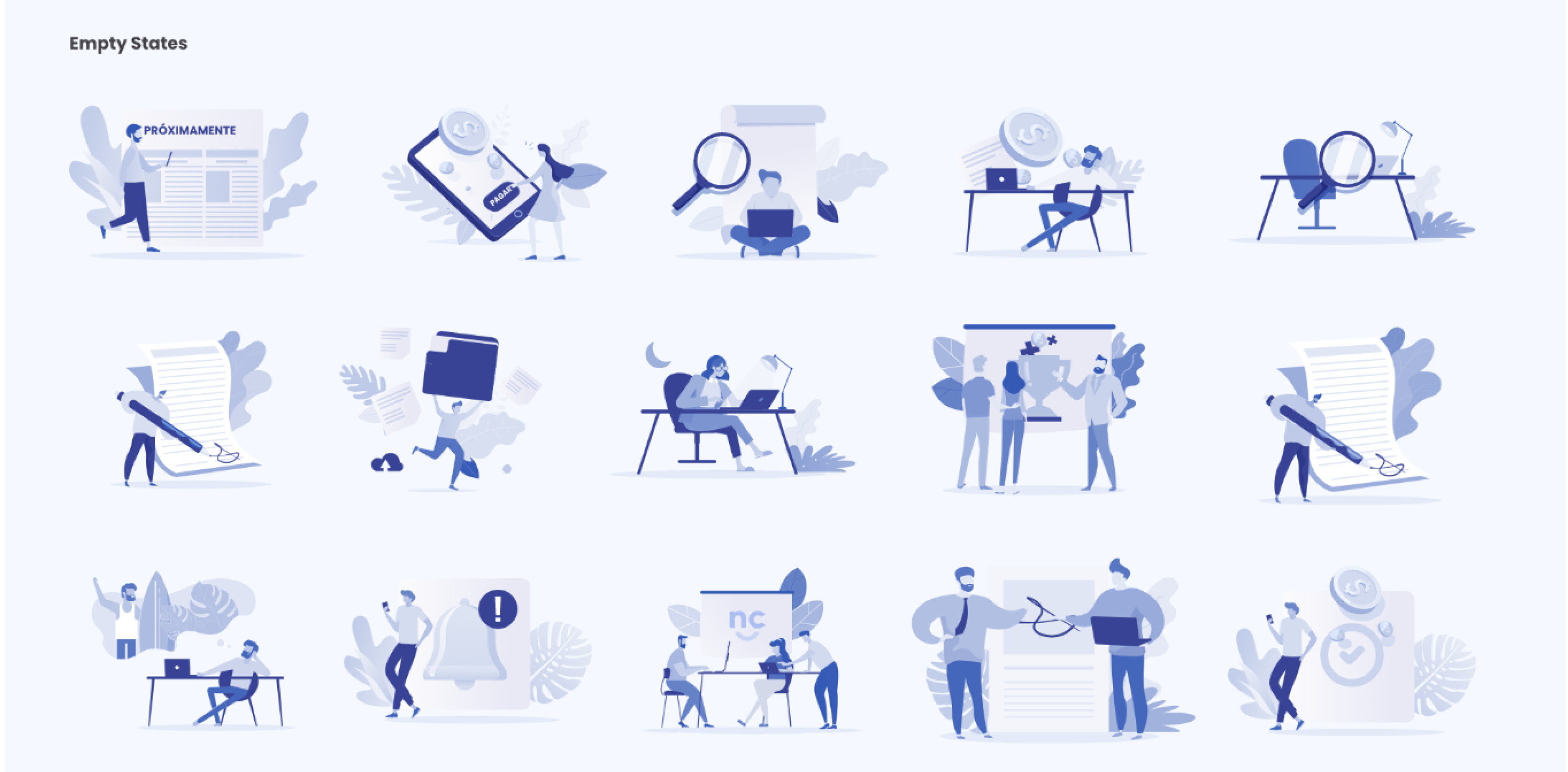
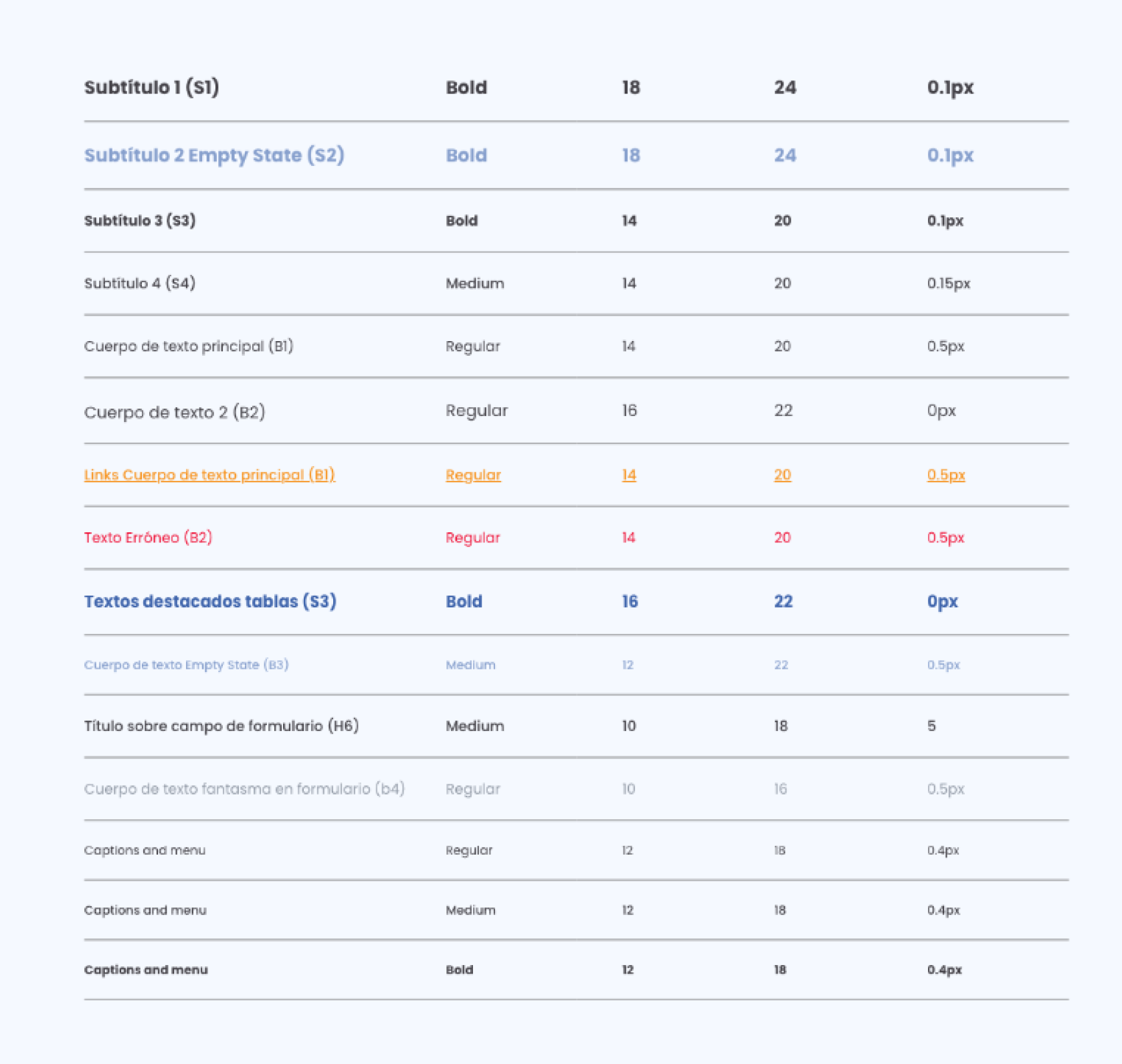
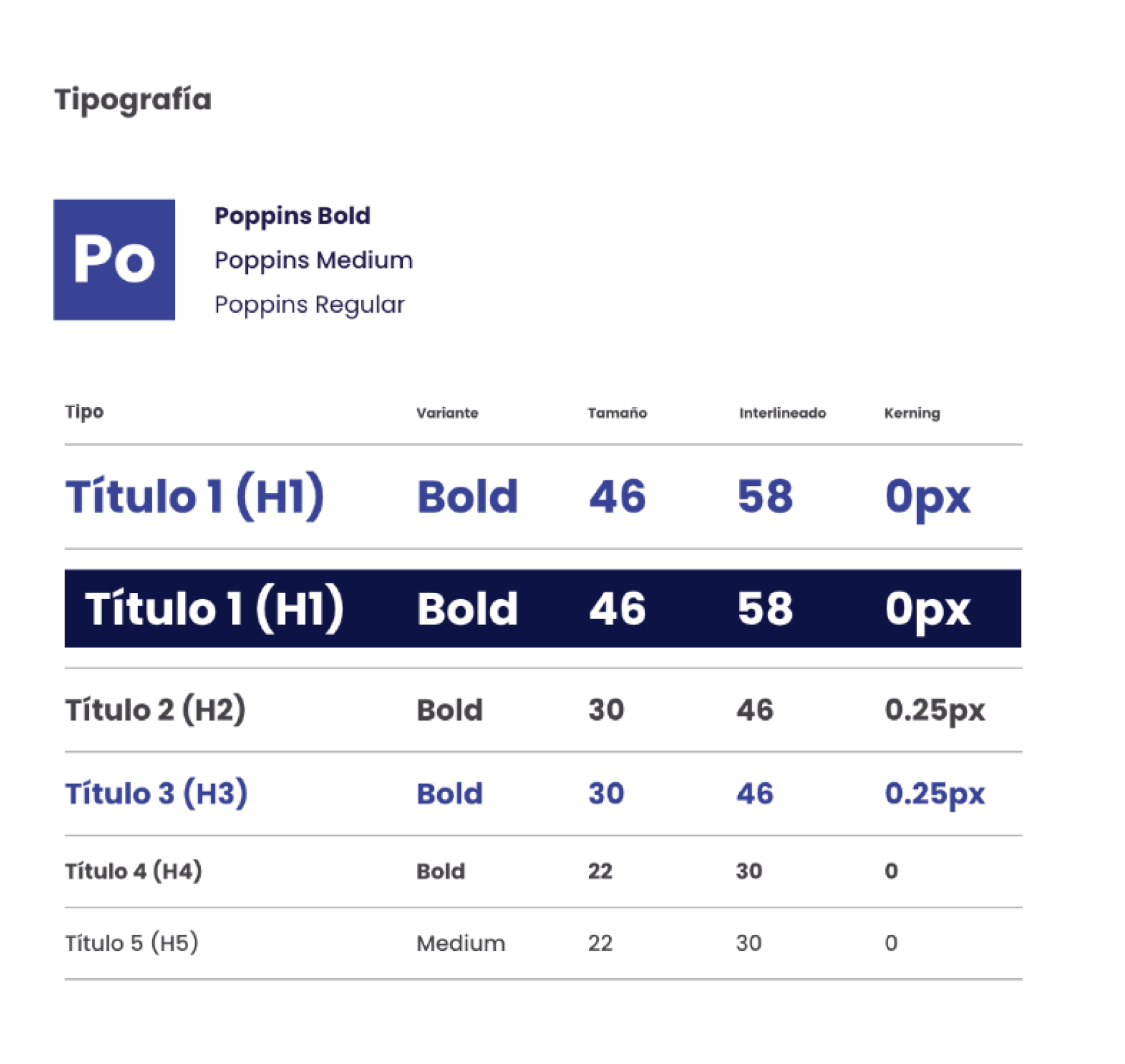
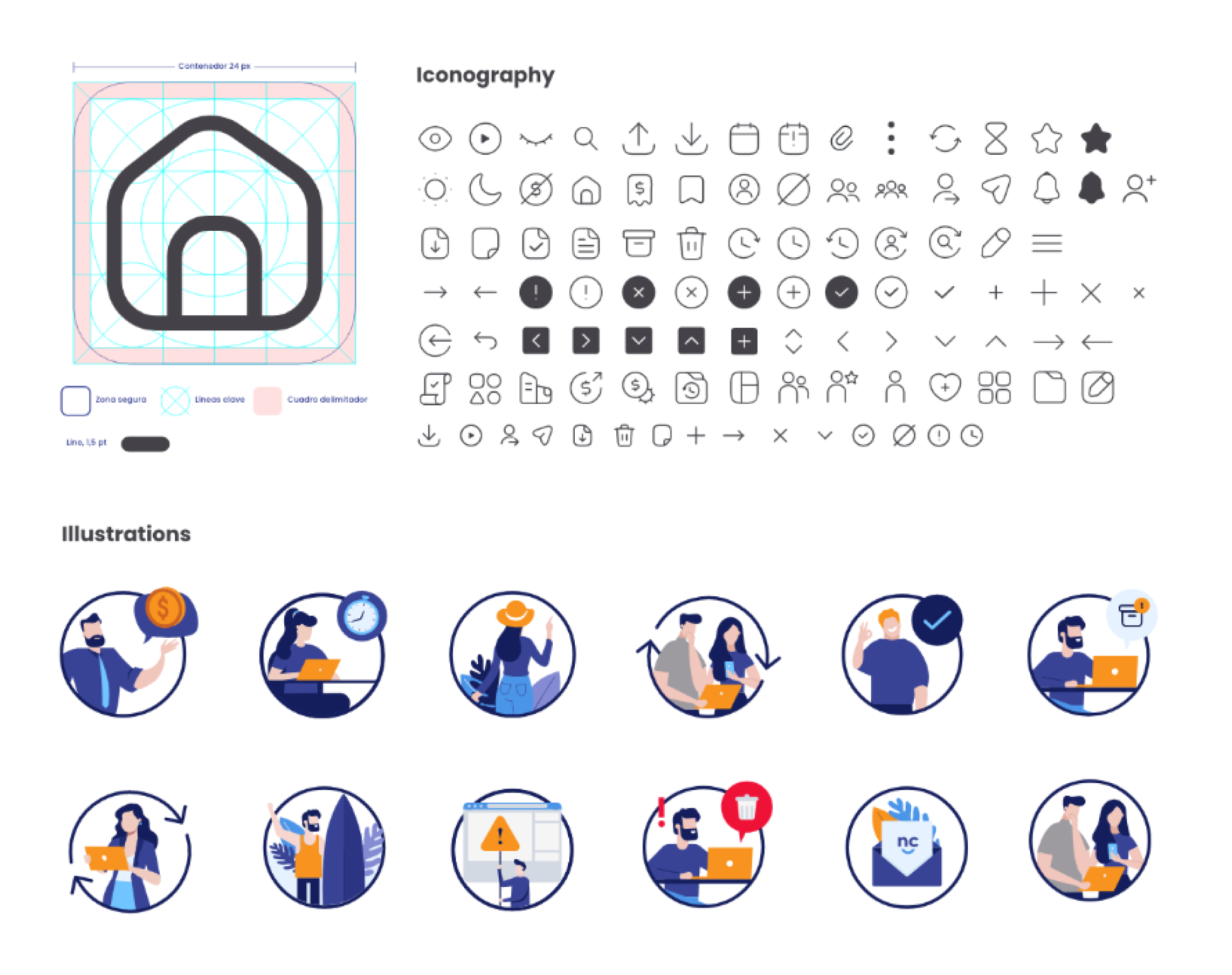
UI Kit
Final Designs (Key UX Solutions)
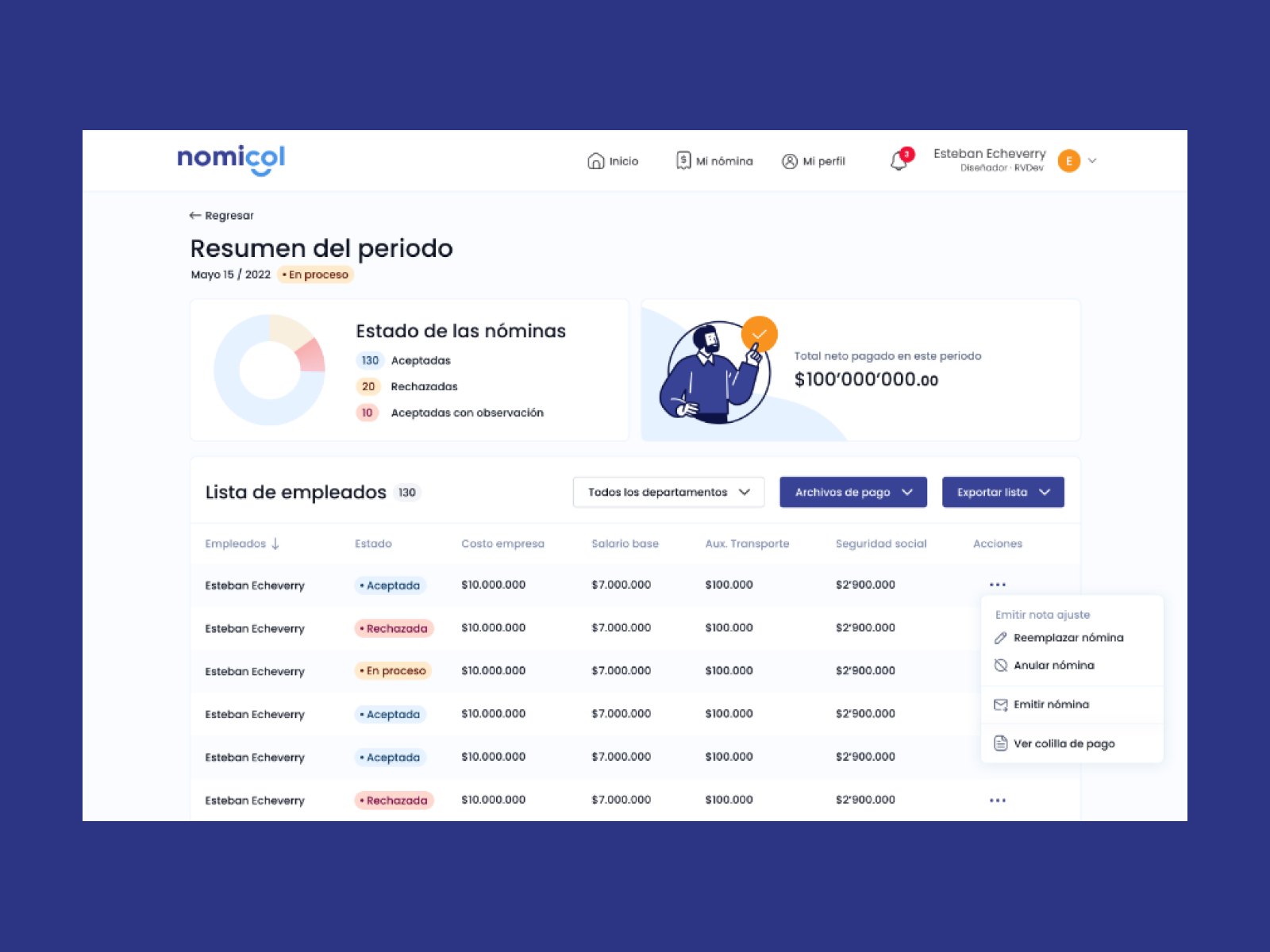
A. Unified Payroll Dashboard
Warnings and critical blockers
Upcoming tasks
Quick access to employee issues
Real-time cost and hours insights Impact: Teams reduced prep time by 60%.
B. Smart Error-Flagging System
Detects missing hours, invalid deductions, outdated documents, wrong bank info, etc.
Color-coded flags (Critical / Medium / Info)
Inline explanations and fixes
Impact: Error-related incidents dropped by 80%.
Qualitative Impact
Finance teams feel “in control“
HR stopped depending on spreadsheets
Managers reported “zero confusion” in approvals
Employees gained trust because pay transparency improved
This redesign transformed payroll from a stressful manual workflow into a controlled, automated, compliance-ready system.
What I learned
Designing for accuracy requires clarity, not complexity
Automation must be transparent to earn user trust
Payroll UX is deeply tied to compliance and legal risk
Dense financial tables can still be user-friendly with correct hierarchy
Fintech design is about reducing cognitive load during critical tasks